

CONNECT by Ocean Trading · Google review display
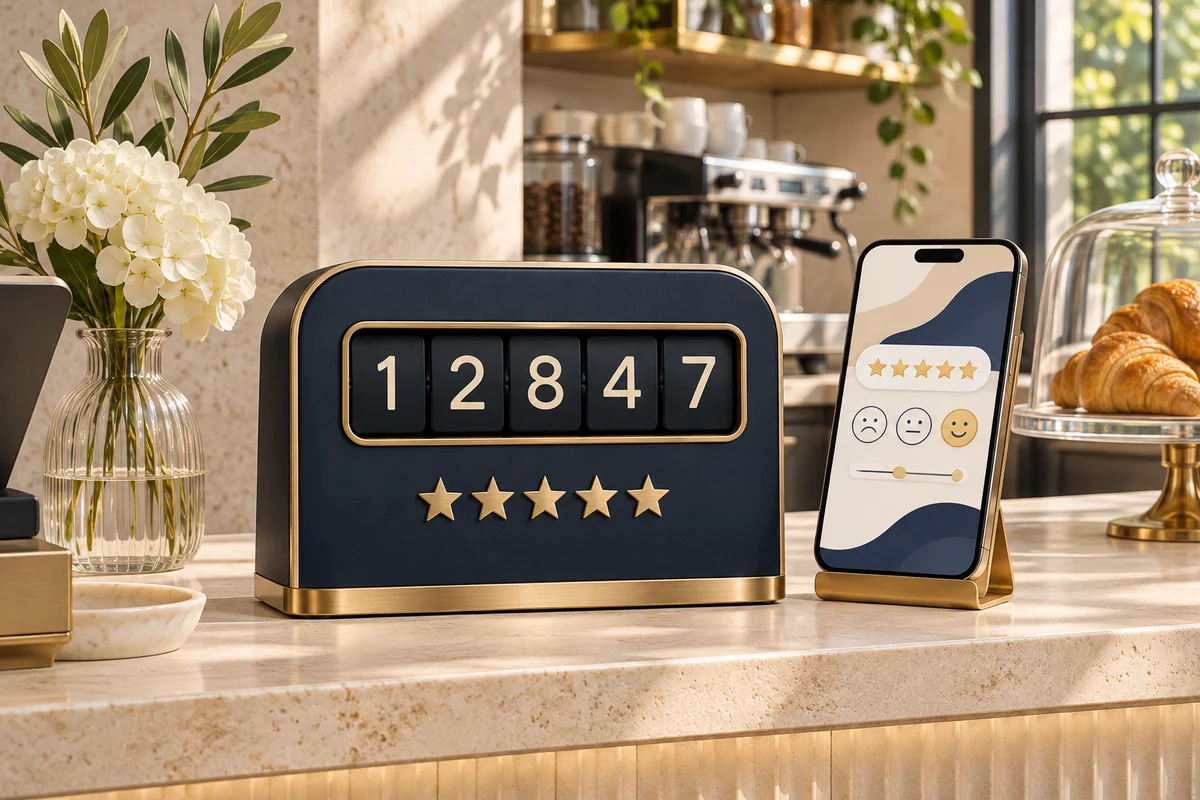
Place a CONNECT NFC and QR display at the counter or reception. Give customers a direct route to your business’s Google review page.
This is where Google would open for a real business. No review was posted.
LIVE DEMO
How it works
Use the review link for your own business location.
The NFC tag and QR code can point to that same link.
Customers can open Google from their own phone and choose whether to leave feedback.
Where to invite a review
Use the same link for every customer so anyone can choose to leave feedback.
Place the display where customers can choose to scan after paying.
Make the QR visible at the end of the visit.
Place it by the exit or reception desk for departing guests.
NFC shop

Displays
A PVC table stand with an NFC sticker tag inside. Use it to open a menu, review link or guest guide.
Enquire ↗FAQ
The sample QR opens a fictional café’s local preview. It does not connect to Google.
They can open the same link by scanning the printed QR code with their camera.
For a real setup, use the review link for your own Google Business Profile location.
CONNECT by Ocean Trading
Find the right NFC or QR setup for your business, team or event.