
Static QR · included
This tool encodes the information directly in the image. If the destination or details change, generate and print a new code.
CONNECT by Ocean Trading · Free QR code generator
Make a QR code for a link, Wi-Fi network, WhatsApp conversation or contact. Pick a color, see the result instantly and download a PNG for free.
QR code type
This tool encodes the information directly in the image. If the destination or details change, generate and print a new code.
A dynamic code points to a managed link that can redirect somewhere else after printing. This free CONNECT tool generates static codes.
FOR YOUR BUSINESS
Send readers to an offer, form or video.
Link to instructions, product details or a warranty page.
Let guests connect by scanning at reception or at the table.
Point people to an online brochure or catalogue.
Open a WhatsApp conversation from a sign in the window.
Let new contacts open or save your details from a printed card.
NFC shop
Explore CONNECT counter displays and cards for tables, reception desks and events.
Browse the NFC shop ↗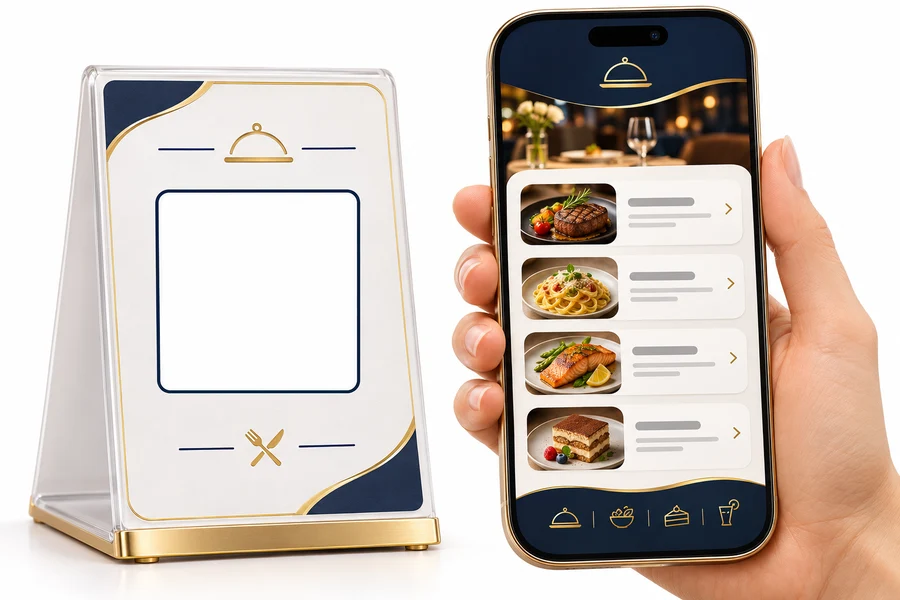
FAQ
Choose a type, fill in the fields, pick a dark color and download the PNG.
This tool encodes the information directly in the image. If the destination or details change, generate and print a new code.
Select Wi-Fi, enter the network name and security details, then scan the preview to test it. Anyone with the code can read the encoded credentials.
The free generator supports a custom foreground color and a plain white background.
Keep the white margin, use strong contrast and scan a test print from the expected distance before printing in bulk.